A home for work worth sharing
Jetskibay brings three kinds of work together: resources to learn from, tools to build with, and products to use. Each listing gives you the context and a next step, whether that means reading a guide, exploring a capability or opening an app.
Find a starting point
- Resources collect guides, research and practical knowledge.
- Tools introduce reusable capabilities, including MCP tools for agent workflows.
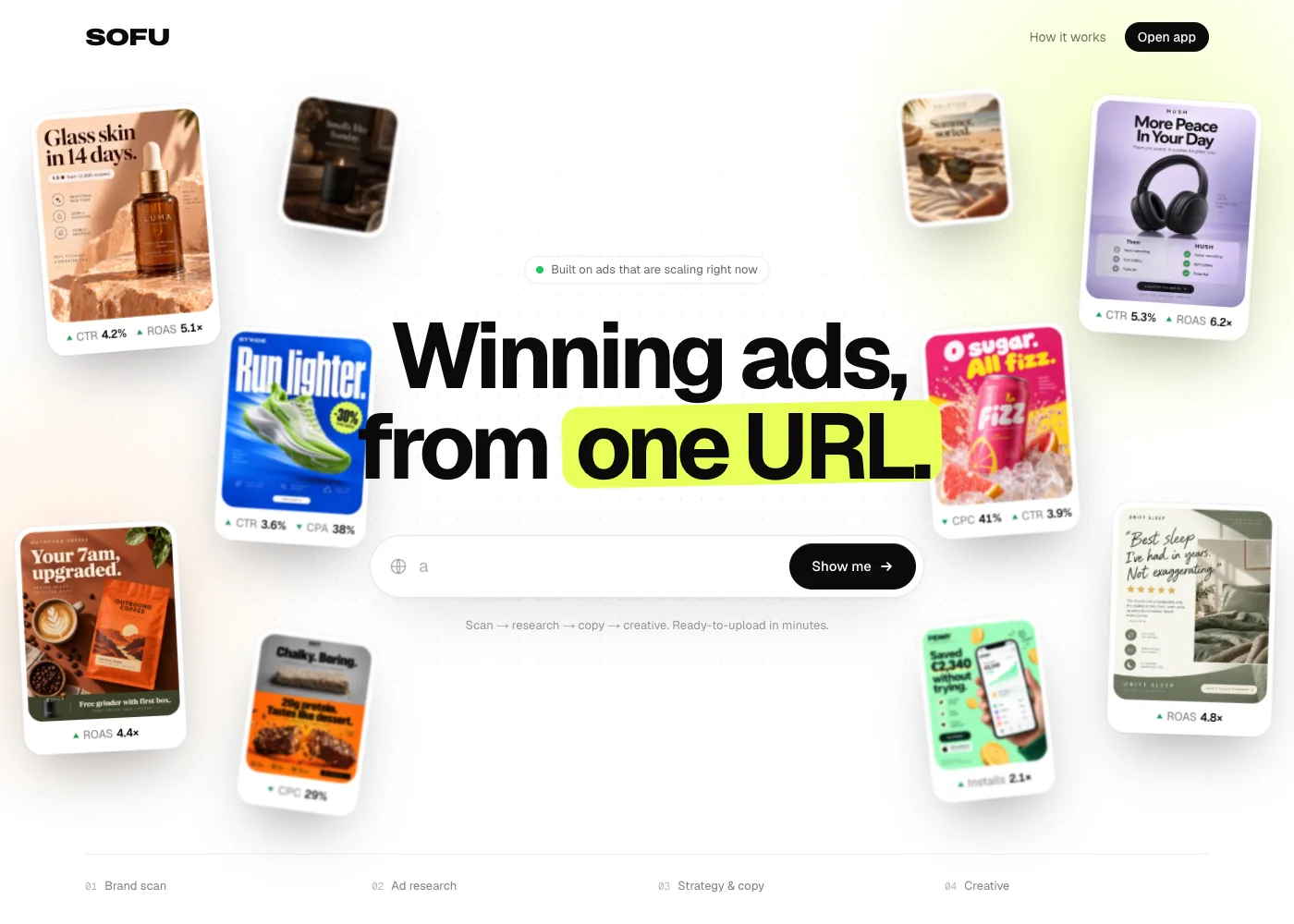
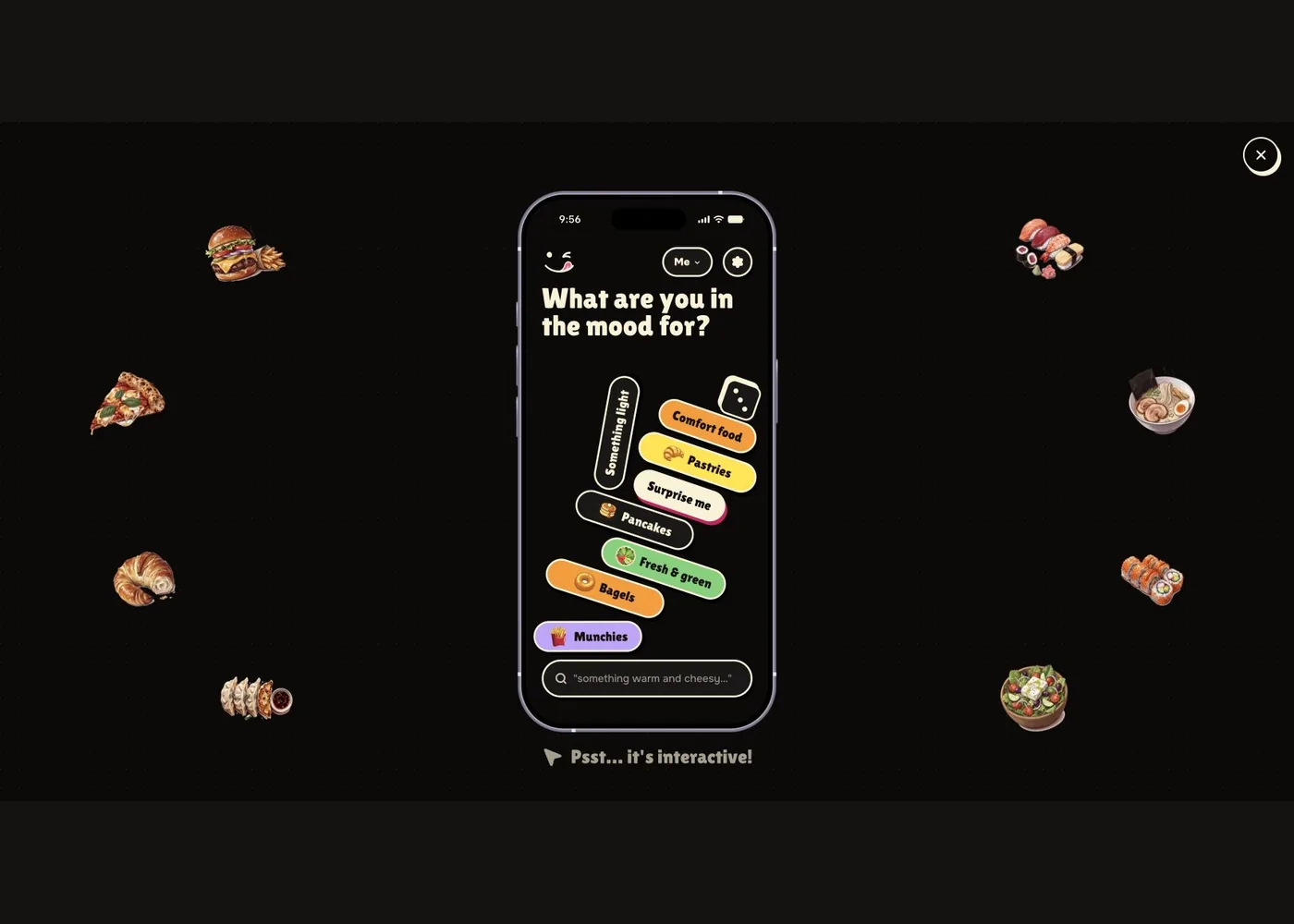
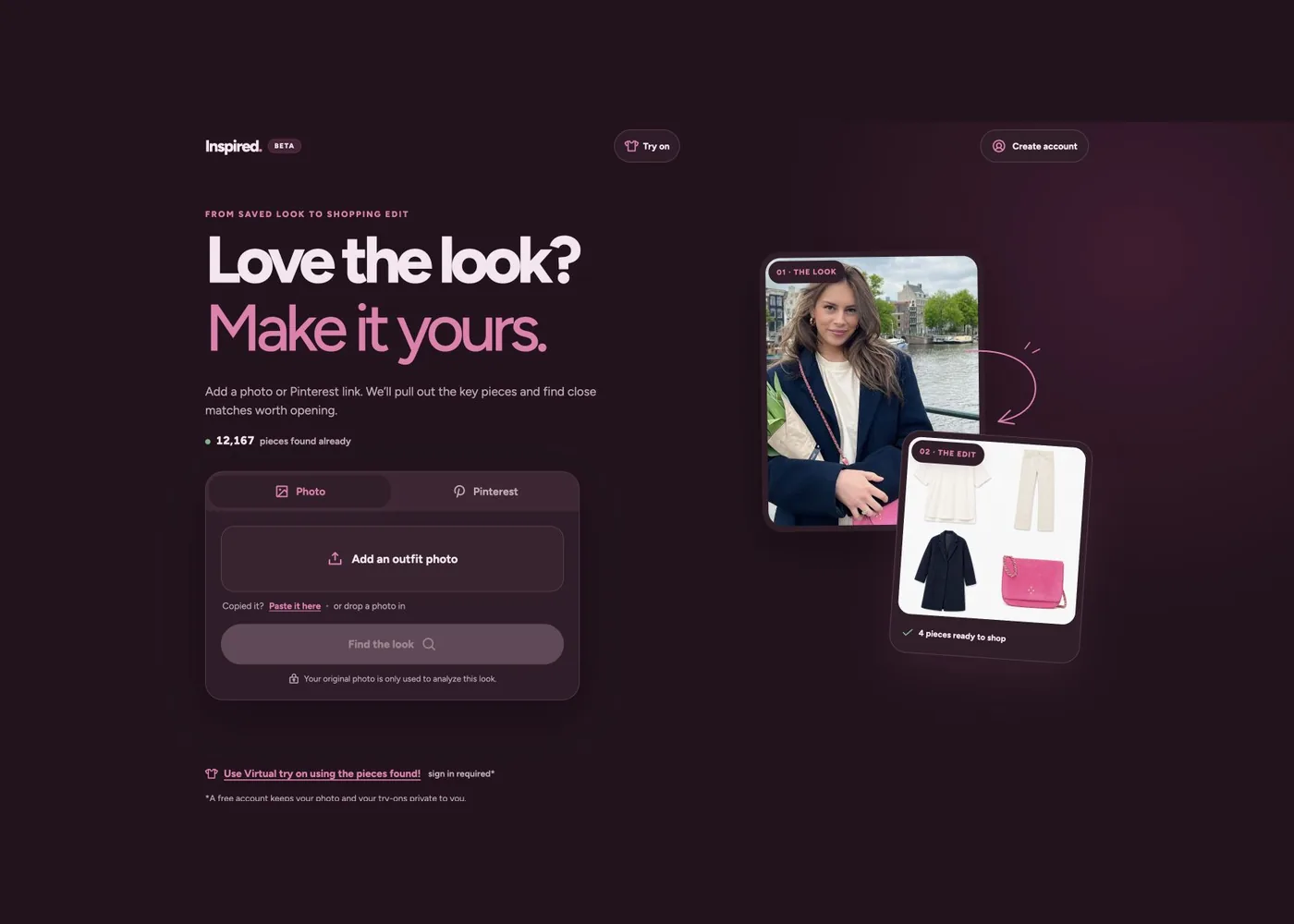
- Products show what those ideas look like in a working application.
Use the catalogue search to find a topic, then follow the related entries to keep exploring.
Try the bay
- Open the catalogue and choose Resources, Tools or Products.
- Read a listing, inspect its examples and follow the source or app link.
- Visit Demo chat to explore the available tool experience.
Public catalogue pages are available without signing in. Tool execution uses its own authentication, and external products manage their own accounts and data.
Built to be built upon
The catalogue is also a product of the team’s approach: put working ideas in front of people, learn from feedback, and keep improving. Read the idea behind Jetskibay, or discover the other products in the bay below.
Maintained by Jetskibay. Reviewed 2026-10-02T00:00:00Z.