
CloakBrowser
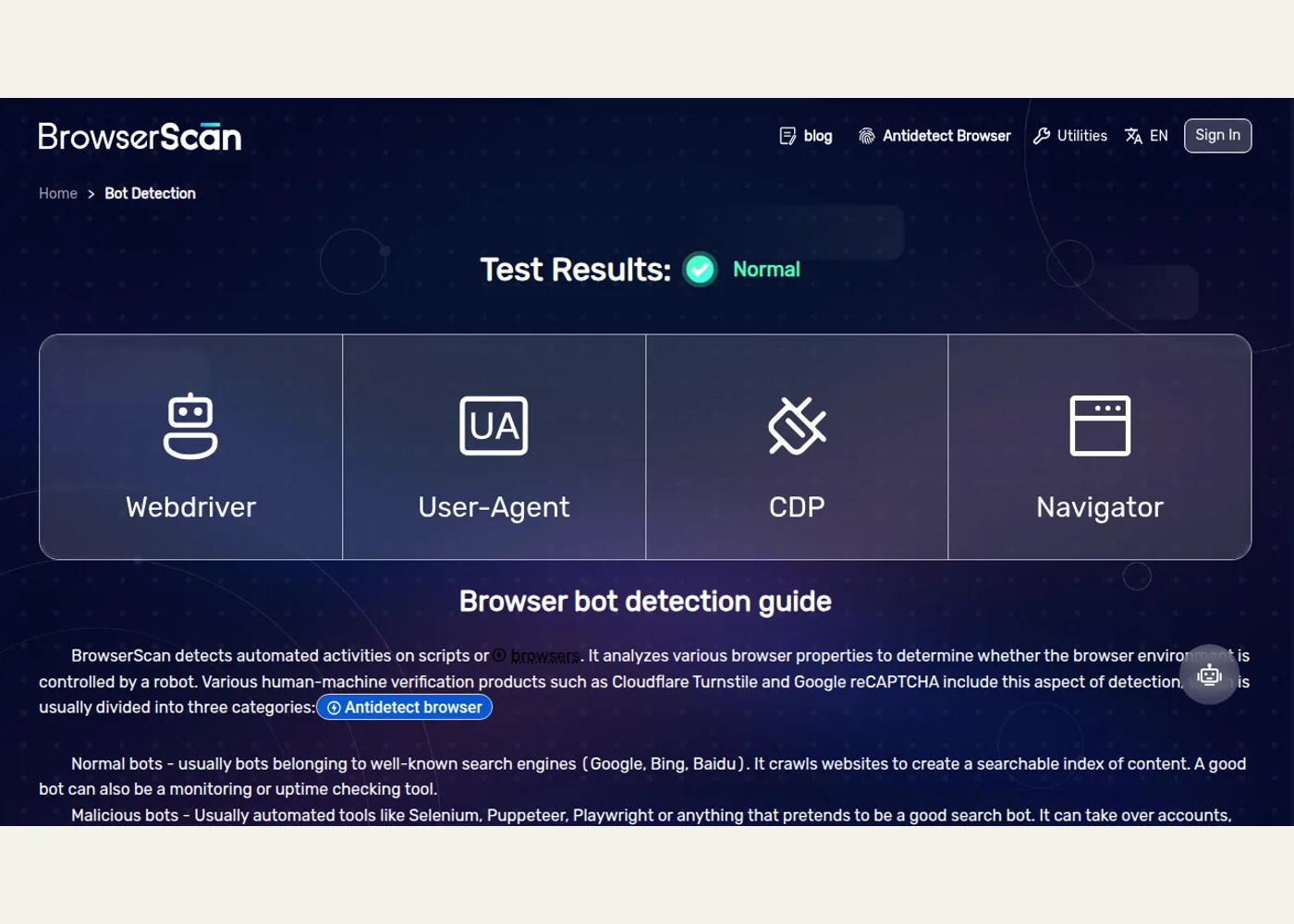
CloakBrowser packages a modified Chromium browser behind Python and JavaScript wrappers. Developers can use Playwright-style page and context APIs, a Puppeteer entry point, persistent profiles, and headed operation. The README describes changes to browser fingerprint signals and publishes detection-test results; those are the maintainer’s reported results, not a guarantee that any service will accept a session.
Getting started
The installation guide documents pip install cloakbrowser for Python, or cloakbrowser with playwright-core for Node.js. The browser binary downloads on first use. The API supports synchronous and asynchronous launches, browser contexts, and persistent profiles. The README says CAPTCHA solving and proxy rotation are not included.
For an evaluation, use a staging site or another target you are authorized to test. Start with an existing Playwright smoke test and change only its browser launch step. Compare navigation, login, and assertions under the same conditions, recording the browser build and failures. This helps distinguish application behavior from differences introduced by the browser environment.
The wrapper has an MIT license; the downloaded binary has separate terms. Review those before distributing or embedding it.
Example use cases
- Suggested application: Run an authorized checkout test on a staging storefront and compare the same Playwright assertions under standard Chromium and CloakBrowser.
- Suggested application: Reproduce a customer-reported login failure on a site your team operates, using a persistent profile to check behavior across restarts.
- Suggested application: Add a limited CI smoke test for a protected page you control, logging navigation failures and screenshots for investigation.
Sources
Source image: CloakHQ.
Maintained by Jetskibay. Reviewed 2026-09-29T00:00:00Z.