
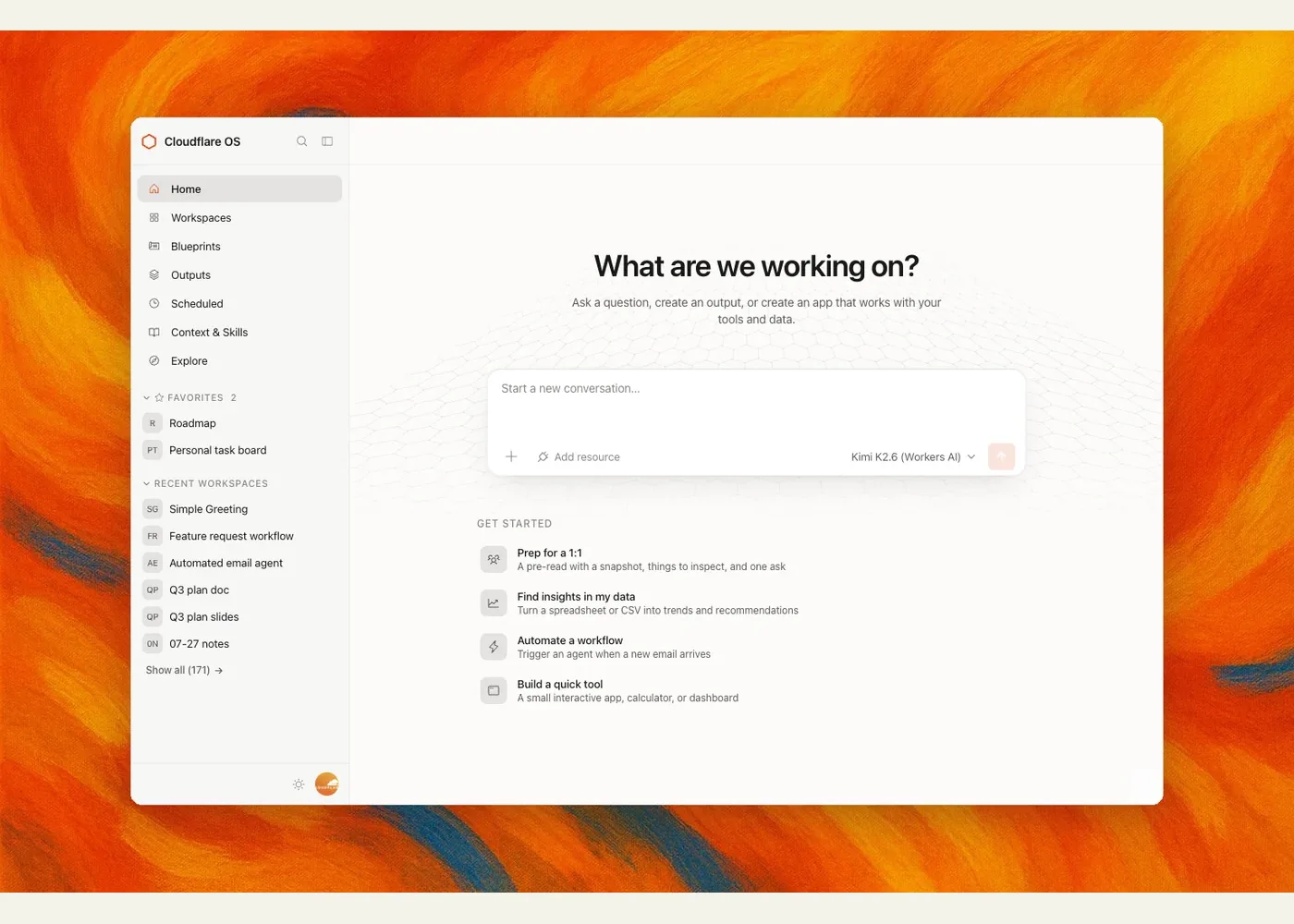
Cloudflare OS
Cloudflare OS is an open-source agent workspace for people who want AI to work with an organization's knowledge, tools, and data. Its repository is useful to platform engineers and technical teams studying how to build an agent environment that supports everyday work as well as small, custom applications. Cloudflare describes it as a foundation to adapt for your own organization, rather than a conventional desktop operating system. Repository · Cloudflare's introduction
The workspace begins with an agent conversation informed by company-curated context and skills. An agent can write and run code, create documents, and build a personal app called a Gadget. Gadgets have browser and server components, their own state, and an API the agent can also call. Teams can share an app for collaboration or share a Blueprint so colleagues create independent copies. Cloudflare's architecture explanation describes Dynamic Workers and Durable Object Facets as the app runtime.
The more distinctive design choice is how access is granted. An agent or app starts without access to external resources. A user introduces a specific resource; a service-specific Gatekeeper mediates its API, credentials, policy, audit trail, and actions that need approval. Cloudflare also describes tracking what resources an agent has observed so sharing its work can be checked against the recipient's access. These are architectural claims from the project's documentation and launch article, not a substitute for reviewing your own deployment's policies and integrations.
To explore it, open the repository, install pnpm, and run pnpm run-local from the checkout; the README points to http://localhost:8787 for a local trial. For a Cloudflare account deployment, use the linked deployment flow or starter repository. External services often require separate Gatekeeper setup and OAuth credentials. The README calls the release early access, and its self-hosted production instructions are still being developed.
Example use cases
- Suggested: Build an issue dashboard attached to one GitHub repository, granting the agent only the access that task needs.
- Suggested: Create a team planning Gadget, then share a Blueprint so each team can adapt its own copy.
- Suggested: Study Gatekeepers as a reference architecture for approvals and resource-scoped access in an internal agent platform.
Sources
- Cloudflare OS repository and README
- Cloudflare OS: an open platform for agents, apps, and work
- Cloudflare OS starter repository
Source image: Cloudflare.
Maintained by Jetskibay. Reviewed 2026-09-29T00:00:00Z.