
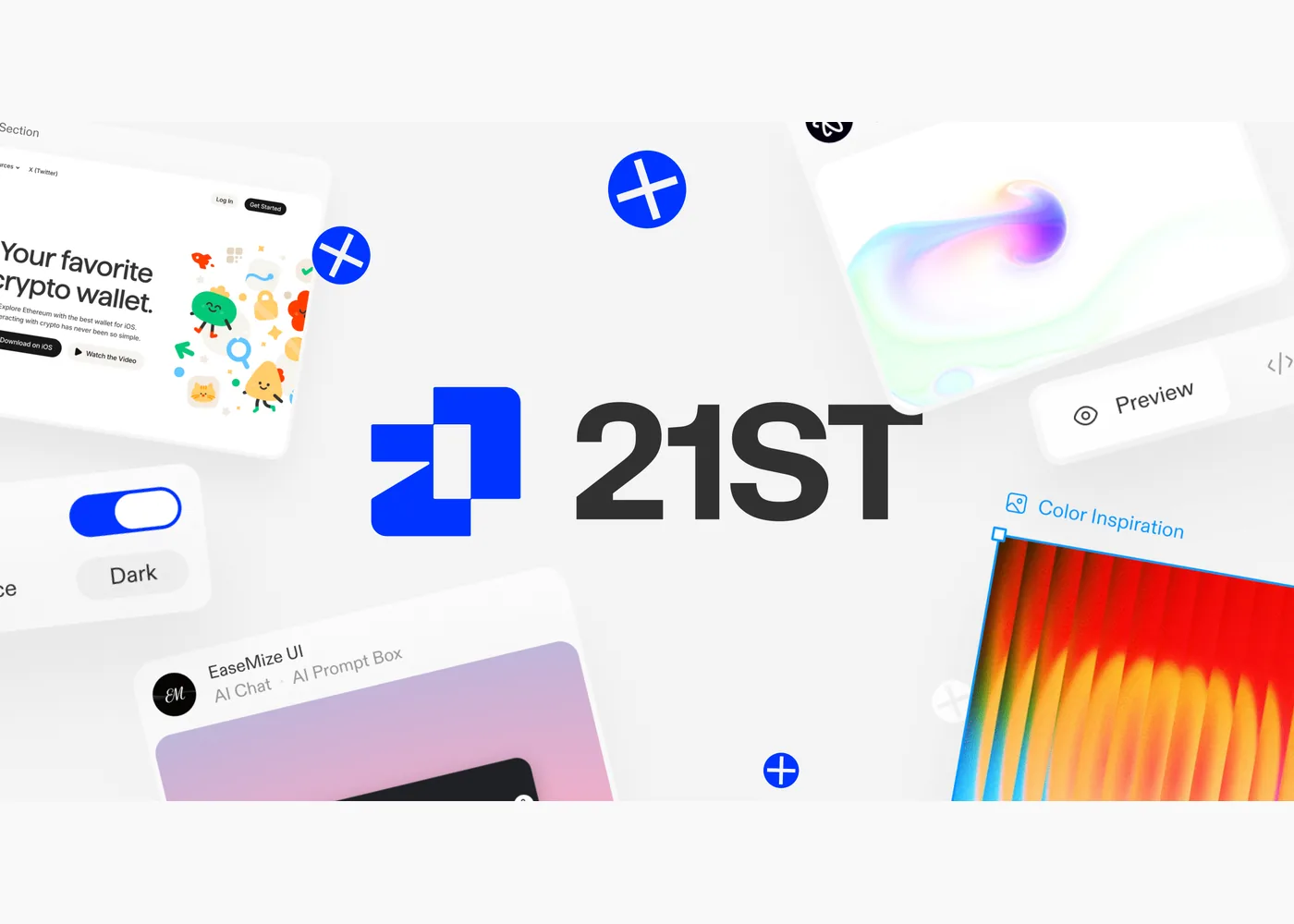
21st.dev
21st.dev is a community catalog for people building React interfaces. It gathers components, larger templates, and shadcn themes from many authors rather than presenting one visual system. The component browser organizes work into categories such as heroes, forms, buttons, dashboards, and AI chat interfaces, with search and live previews. It is useful when you know the job a piece of UI must do but want to compare several treatments before writing it yourself.
To start, browse a category or search for a component, inspect its preview, and open its detail page. The site’s installation guide in its FAQ describes two paths: copy the component’s prompt into an AI coding tool so it can adapt the source to your project, or use the component’s shadcn CLI install command. The source is intended to land in your repository, where you can edit it. The catalog also includes complete page and app templates, so check whether you need a small reusable part or a larger starting point before choosing one.
Treat a preview as a design and implementation candidate, not a finished fit for your app. Review the generated or installed code, its dependencies, responsive behavior, accessibility, and how it uses your existing tokens. Components come from different authors, so visual consistency and code quality need your own review. Check each author’s applicable license and permissions before shipping or redistributing their work; the marketplace terms distinguish author-owned component code from 21st’s own previews and media assets.
Example use cases
- Suggested application: Compare several hero sections for a product launch, then adapt one to your typography, content, and performance budget.
- Suggested application: Add a dashboard empty state or onboarding step to a React app, testing keyboard navigation and mobile layout after installation.
- Suggested application: Use a component prompt to prototype an AI chat panel, then review the resulting code before connecting it to real data.
Sources
Source image: 21st.dev official sharing image.
Maintained by Jetskibay. Reviewed 2026-09-29T00:00:00Z.