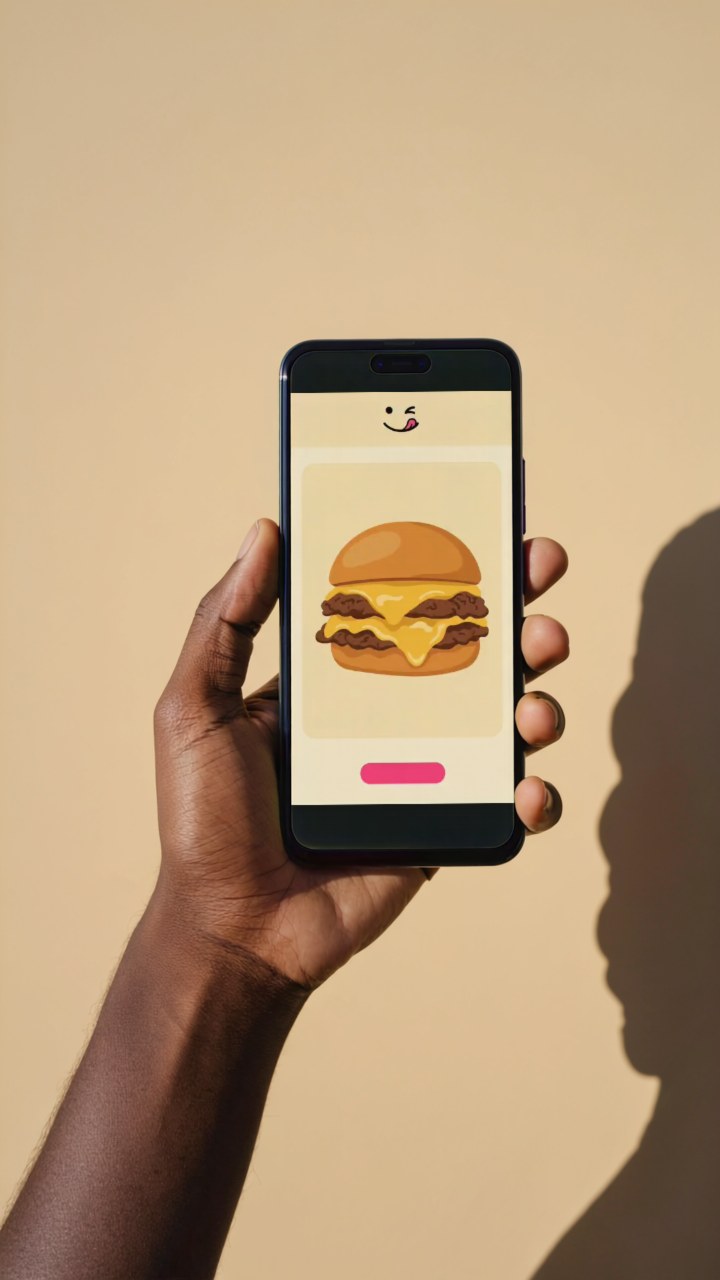
Create a phone demo
In the studio
- Open Phone demo studio.
- Upload a screenshot or screen recording.
- Choose Stock image for PNG or Demo video for a six-second silent MP4.
- Enter your private Jetskibay access token and select Create.
- Download the result within 24 hours.
The first render may take a few minutes. Keep this tab open until your result is ready. Your token is held only in this tab. Anyone with a private download link can access that result until it expires.
With an AI assistant
Connect your MCP client to https://phone-demo.jetskibay.com/mcp, using Authorization: Bearer <PHONE_DEMO_TOKEN>. Ask your Jetskibay operator for a private token. Anonymous access can read this guide and the catalogue, but cannot execute tools.
Available tools:
create_upload({content_type})returnsupload_idand a privateupload_url. PUT the file bytes to that URL with the matching Content-Type.create_demo({upload_id, output})starts a demo.outputisimageorvideo(defaultimage).get_demo({job_id})reportsqueued,rendering,succeeded,failed, orexpired. A successful result includesdownload_urlandexpires_at.
Through Jetskibay's authenticated gateway at https://jetskibay.com/mcp, use your gateway token and these names: phone-demo__create_upload, phone-demo__create_demo, and phone-demo__get_demo. The upstream credential is managed by Jetskibay. MCP protocol revision: 2026-07-28.
Example successful job response (illustrative):
{"job_id":"00000000-0000-4000-8000-000000000000","status":"succeeded","output":"image","download_url":"https://phone-demo.jetskibay.com/files/<job-id>?key=<private-download-key>","media_type":"image/png","expires_at":"<ISO timestamp>"}
File requirements
PNG, JPEG, WebP, MP4, MOV, or WebM; maximum 40 MiB and 16 megapixels. Use SDR for video. Portrait screens fit best; other shapes are centered with padding. Video output is six seconds at 24 fps, without audio. Recordings play at their original speed; shorter recordings hold their last frame. Image output uses the first frame of a recording.
Invalid files return a failed job with a useful message. If rendering times out after 15 minutes, submit a new job. Missing or invalid credentials return HTTP 401. Uploads and results have private URLs that expire after 24 hours. Storage is scheduled for automatic deletion after one day; physical deletion may follow later.
Published by Jetskibay. Fictional brand, working prototype.