
AgentCookie
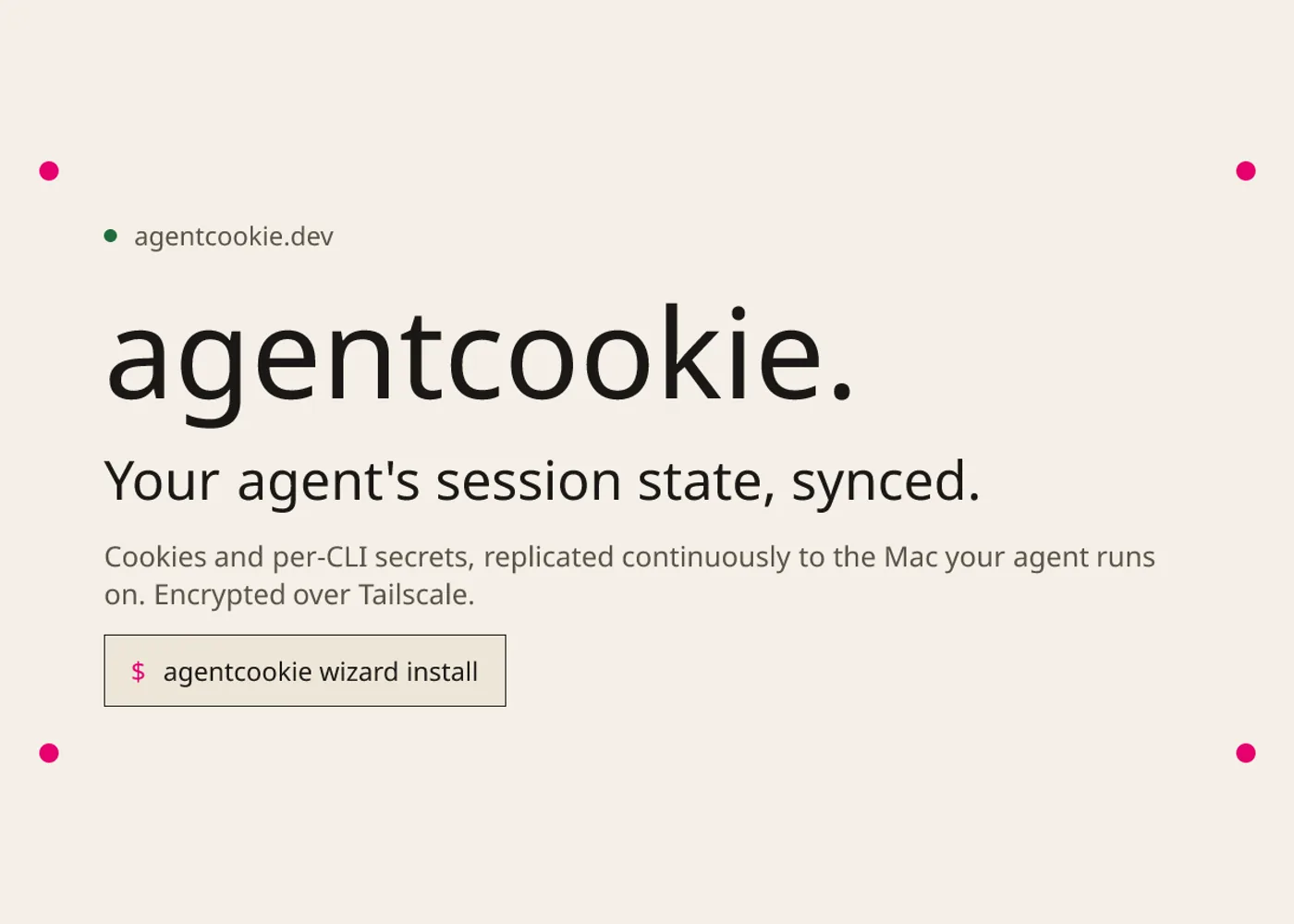
AgentCookie is an open-source session synchronization tool for people who run their own browser agents on a separate machine. It copies the authenticated state from a Mac you use to a Linux box or second Mac over a Tailscale connection. The official site describes continuous Chrome cookie sync plus a separate bus for CLI tokens and other authentication data; the Linux sink injects cookies into a running Chrome through the Chrome DevTools Protocol (CDP). This is useful when an authorized agent needs to work in accounts you control without repeating an interactive sign-in for each run. Project site · Repository
The tool is infrastructure for your own machines and accounts, rather than a hosted browser service. A source watches for session changes and sends encrypted updates to paired sinks. Domain policies can limit which sites' cookies are delivered. A Mac sink can populate Chrome's cookie store, a local sidecar, and supported CLI adapter files; a Linux sink uses live CDP injection. The project also documents pairing, per-peer keys, and replay checks. README · Threat model
To start, read the current installation instructions, install the release binary on each machine, and make sure Chrome and Tailscale are running. Configure the Mac as the source, pair the sink, and choose an allowlist of domains you explicitly want the agent to use. On Linux, Chrome needs a local debug port and the sink needs a cookie policy file; the README notes that an absent Linux policy accepts no cookies. Run agentcookie doctor and check a permitted site in the sink browser before assigning work. Keep the browser's session authority in mind: an agent with an allowed account can take actions that account permits. README setup and verification
There are practical limits. Device-bound sessions may expire after transfer because the destination cannot perform a refresh tied to the source device. Sites that rely on other browser storage or device fingerprints may also need a separate sign-in. Local processes running as the same user can connect to an open CDP debug port, and the documented Mac sidecar may contain plaintext session data in the default setup. Limit access to the sink, the permitted domains, and the lifetime of debug sessions accordingly. Threat model
Example use cases
These are suggested applications for accounts and machines you administer:
- Have a browser agent check the status of an order in your own signed-in merchant account after a human has approved the task.
- Let an internal research agent collect pages from a private workspace whose domains are explicitly on the cookie allowlist.
- Keep a personal browser workflow on a separate Linux machine signed in to a selected site while the source Mac remains the place where you manage the account.
Sources
Source image: AgentCookie official sharing image.
Maintained by Jetskibay. Reviewed 2026-09-29T00:00:00Z.