
Driver.js
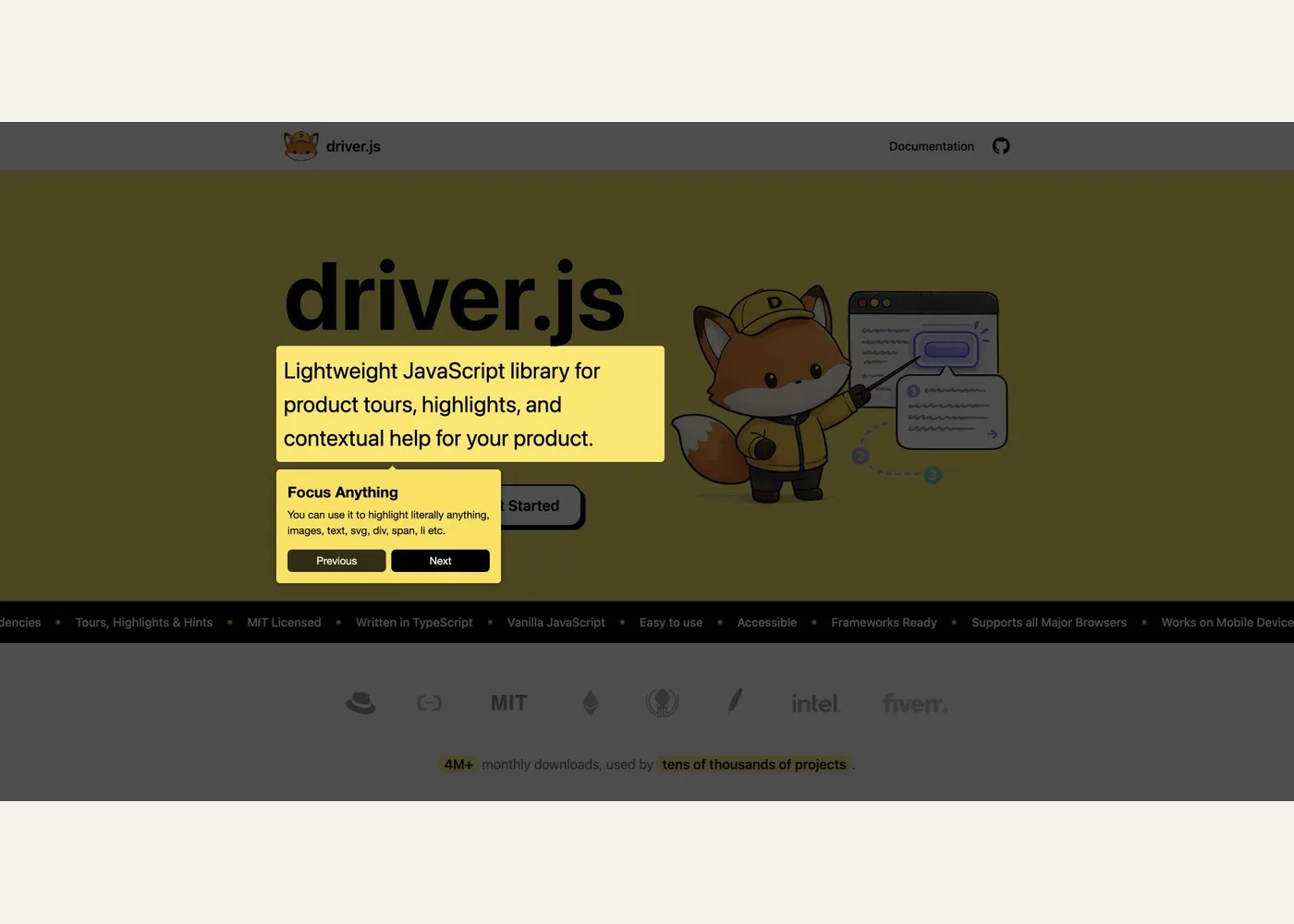
Driver.js is a JavaScript library for developers building guided experiences inside a web app. It can spotlight page elements with an overlay and popover, run a sequence of steps as a product tour, or show optional hint beacons that visitors open in any order. The official site describes it as a dependency-free, TypeScript-based package that works with vanilla JavaScript and frameworks. It suits teams that already own the product interface and want to add contextual guidance without building the spotlight and popover behavior from scratch.
A tour is an array of steps. Each step names a target element, such as a CSS selector, and provides a popover title and description; drive() starts the sequence. The basic usage guide also shows highlight() for a single callout. Hints use a separate import and stylesheet, and keep the page interactive while their beacons are visible. The configuration reference covers placement, buttons, overlay behavior, progress, and lifecycle hooks. Those controls make it possible to fit guidance to a real workflow instead of forcing every visitor through the same linear introduction.
To try it, follow the installation guide: install driver.js, import driver and driver.js/dist/driver.css, define two or three steps against elements in a test page, then call drive() from an onboarding button. Start with stable selectors and short instructions that tell the visitor what action to take. The examples let you try animated tours, a simple highlight, and popover variations before implementing one.
Plan for dynamic screens. If a target appears after a fetch or modal opens, the async tour guide shows waitForElement and manual navigation hooks. You must coordinate those steps with your app state; overridden navigation callbacks also take responsibility for advancing the tour. For hints, the hints guide says dismissals are kept in memory for the session, so saving them across visits is application work. Test the finished flow on the actual layouts and keyboard path your users have.
Example use cases
- Suggested application: Introduce a new reporting dashboard by spotlighting its filters, export action, and saved views in a three-step tour.
- Suggested application: Place optional hint beacons beside advanced form controls so experienced users can continue without an overlay.
- Suggested application: Guide a first-time user through opening a modal, waiting for its contents, and completing the next action.
Sources
Source image: Screenshot of the Driver.js interactive demo.
Maintained by Jetskibay. Reviewed 2026-09-29T00:00:00Z.