
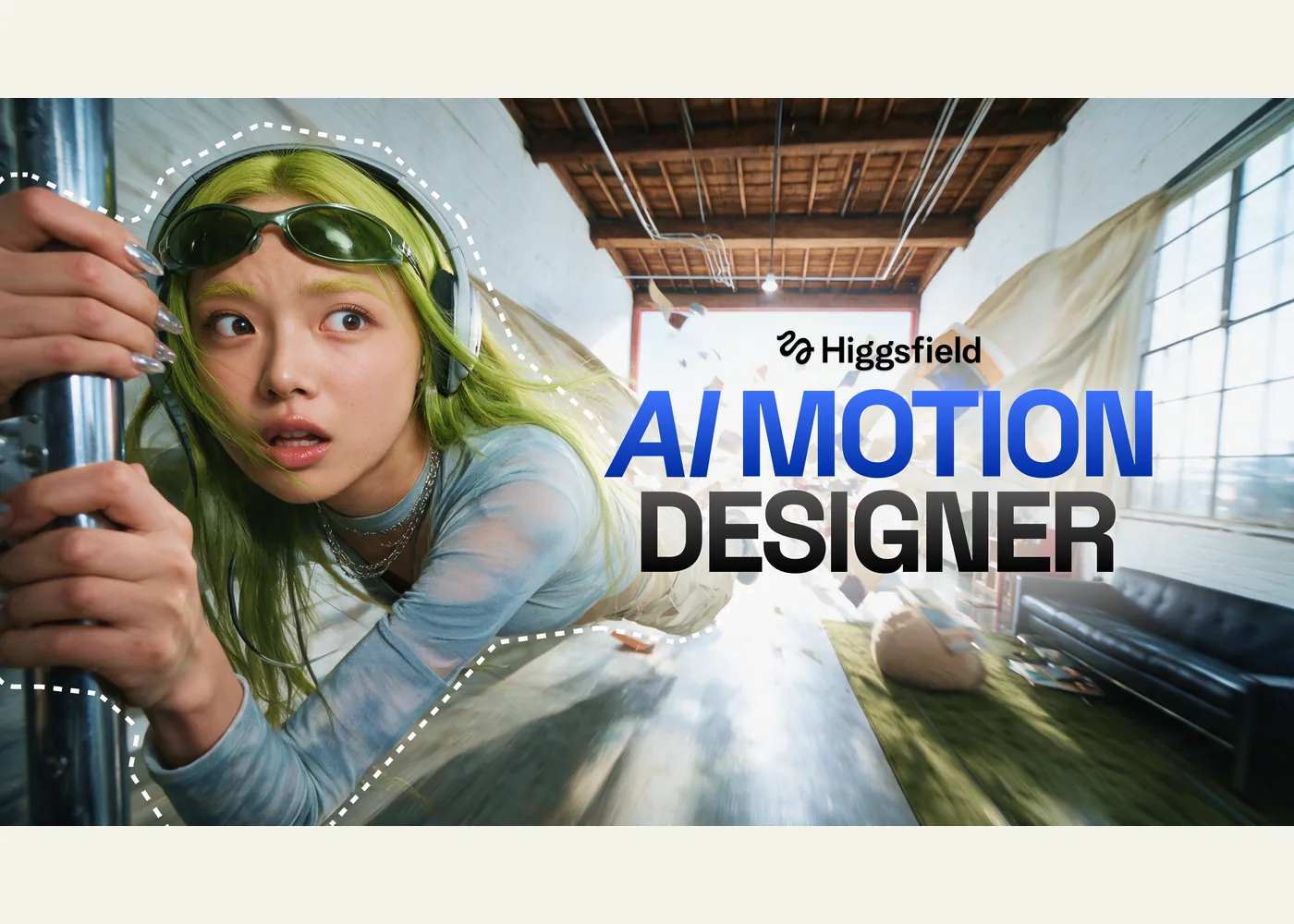
Higgsfield AI Motion Designer for After Effects
Higgsfield’s AI Motion Designer guide introduces a chat-driven workflow for building motion graphics inside an open Adobe After Effects composition. It is aimed at motion designers, video editors, and creators who have a visual brief or assets but want help turning them into animated layers. Higgsfield says the agent can create titles, logo reveals, transitions, and effects from plain-language instructions, including work based on supplied footage, text, and colors. The resulting layers and keyframes remain editable in After Effects, according to the publisher.
The specific command is /use-after-effects. Higgsfield’s MCP workflow catalog lists it as “Motion Design in After Effects” and gives an example brief that asks for expressive typography while retaining editable layers, keyframes, and controls. That catalog also shows narrower workflows for presentation animation, illustration, localization, and interface demos. These examples are useful starting prompts: describe the composition, duration, required visual assets, motion, and what must stay editable.
To start through ChatGPT, open the Higgsfield plugin listing, connect a Higgsfield account, and follow Higgsfield’s setup steps: add the plugin, enter /use-after-effects, and describe the desired change while the target After Effects composition is open. Higgsfield also says its MCP connection can run the workflow from other supported agent clients. The plugin listing confirms a Higgsfield connection exists, while the After Effects behavior is described by Higgsfield; this guide does not independently test a live project.
Plan for an active After Effects installation and the connected Higgsfield and chat services. Higgsfield says its generations consume the account’s regular credits; check the current account terms before a large render. Treat ambitious resolution or runtime claims in the article as publisher claims, and review a small sample in your own composition first. Inspect timing, fonts, layer structure, and effects before using the result in a production edit.
Example use cases
- Suggested application — branded opener: Supply a logo, palette, and a six-second timing brief; request a reveal with separate editable text and shape layers.
- Suggested application — product walkthrough: Animate supplied interface screenshots into a short feature sequence, then adjust keyframes and pacing by hand.
- Suggested application — localized title: Adapt an existing animated heading for another language while checking line breaks and typography in the composition.
Sources
- Higgsfield AI Motion Designer guide
- Higgsfield MCP workflow catalog
- Higgsfield plugin listing in ChatGPT
Source image: Higgsfield.
Maintained by Jetskibay. Reviewed 2026-09-29T00:00:00Z.