
Run local AI on an iPhone
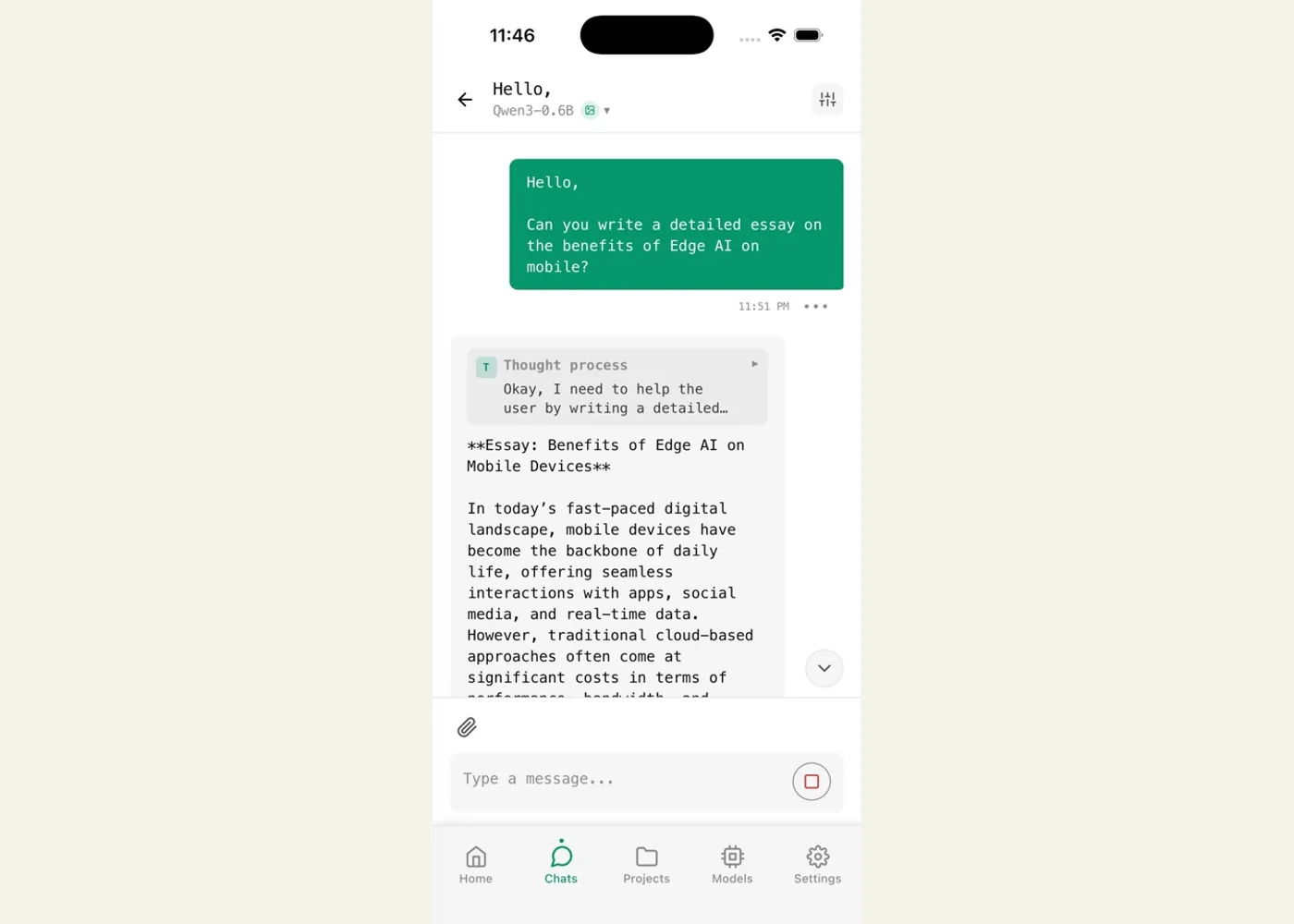
Mohammed Ali Chherawalla’s walkthrough is a practical starting point for iPhone owners who want to try an AI assistant without sending ordinary chats to a hosted model. It uses Off Grid AI, an open-source mobile app that can run downloaded language models on the phone. The project also describes local vision, speech transcription, image generation, and document features. Treat those as separate capabilities to test on your own device; their availability and speed depend on the model, memory, and app build.
Getting started
Install Off Grid AI from the App Store, open its model browser, and choose a small model that fits your phone’s available memory. Download it while connected to Wi-Fi, then start a chat and try a short prompt. The article suggests starting with a compact Qwen or SmolLM model on phones with less RAM and using a quantized GGUF model to reduce memory demand. The project README also says you can import your own .gguf file. Turn on airplane mode after the model is installed and repeat the prompt: that is a simple way to check that the selected chat path works offline.
The local setup is useful for private notes, travel, and unreliable connections, but it has limits. Smaller models may struggle with complex reasoning or long documents, and iOS can close an app that exceeds available memory. The author’s speed and device recommendations are reported experiences, not guarantees for every iPhone or model. Local inference also does not make every app feature offline: web search and remote model servers, which the README lists as options, need connectivity. The article’s “no subscription” framing applies to basic local use; the current project README describes an optional paid Pro tier. Check the current feature split before relying on a particular workflow.
Example use cases
- Suggested application — travel drafting: Download a small text model before a flight, then draft and revise a short message in airplane mode.
- Suggested application — private first pass: Summarize a personal note on-device, then check its summary against the original before acting on it.
- Suggested application — model comparison: Import two compatible GGUF models, ask both the same concise question, and compare answer quality, loading time, and memory behavior on your phone.
Sources
Source image: Off Grid AI / Wednesday Solutions, Inc. via the App Store.
Maintained by Jetskibay. Reviewed 2026-09-29T00:00:00Z.