Pruna.ai knowledge
A starting guide for developers evaluating Pruna for an AI application, maintained by Jetskibay. Reviewed 23 September 2026; follow the official references for current interfaces and model availability.
Choose your starting point
Pruna provides hosted model inference and an open-source model optimization framework. Use the API documentation to explore hosted inference, or the framework documentation if you already run your own models.
Hosted inference
Create an account in the Pruna dashboard, create an API key, and configure billing before making requests. Follow the selected model's current API reference for its input fields and output format.
Keep the API key on your server. Before building a user flow around a model, make a small representative request and inspect its response. Record the model identifier, input settings, completion time and output quality so that later changes can be compared.
Example: extracting a garment
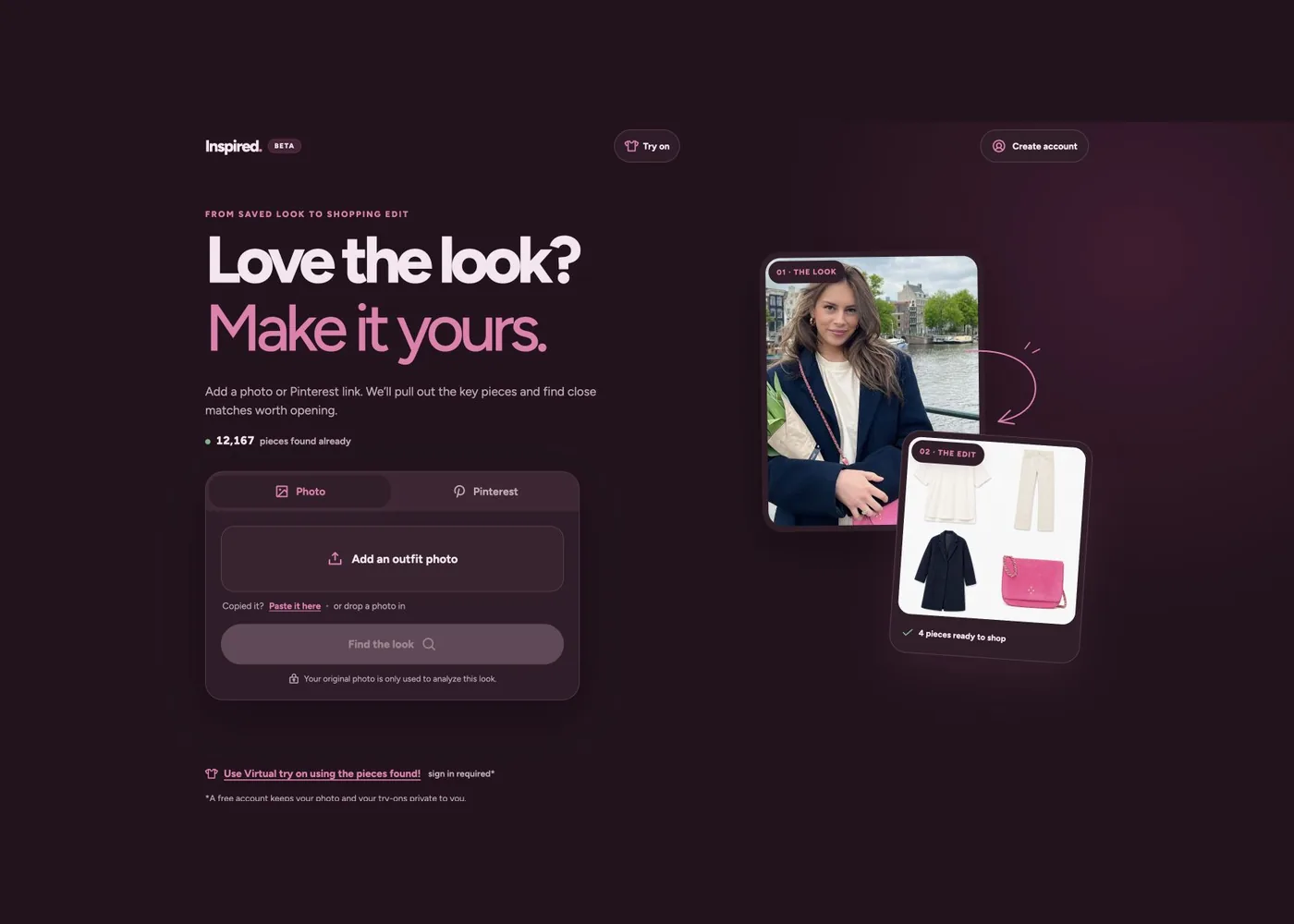
Inspire's existing implementation uses Pruna image editing to isolate pieces from an outfit photograph before searching for similar products. A useful evaluation set includes a clear single garment, overlapping layers and a partially hidden item.
For each output, compare silhouette, colour, texture and visible details against the original. Record changes or invented details. A clean cutout can still be an inaccurate extraction; review both appearance and downstream search results.
Optimizing your own model
The open-source framework uses a SmashConfig to choose optimizations and the smash function to apply them. Start with the official repository and the installation instructions linked from its documentation.
Measure an unmodified baseline first. Compare latency, memory use and task quality under the same hardware and inputs after optimization. Choose the configuration that meets your application's acceptance criteria.
Before integrating
- Identify the exact task, model and supported inputs.
- Keep a small evaluation set with expected outcomes and difficult cases.
- Handle provider errors, timeouts and retries in your backend.
- Check current usage costs, model terms and data handling before sending user content.
- Recheck results when the model or settings change.
Official references
This is an original orientation guide, not a copy of Pruna's documentation. The external references remain the source for current API details.
Source image: Pruna documentation, P-Image-Upscale example.
Maintained by Jetskibay.